01 / ANTICIPATE
See what is coming.
Start with a 72-hour Threat Outlook, live conditions, alerts, and local context.
The weather operations workspace
StormVia links a 72-hour Threat Outlook and live context to human-reviewed Weather Updates, partner views, incident threads, delivery tracking, and event reports.
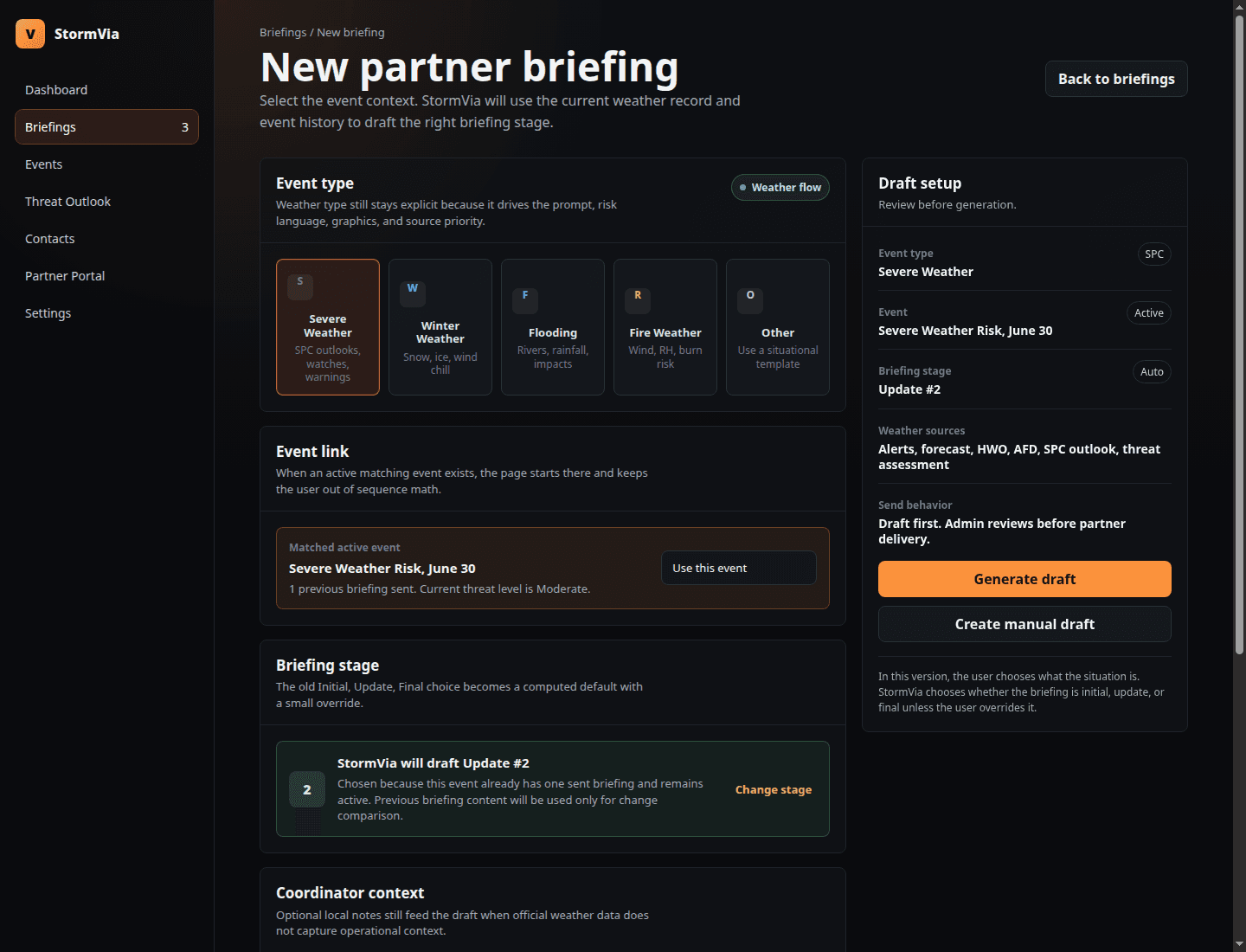
From signal to shared action
From the first outlook to the final update, everyone can work from the same picture.
01 / ANTICIPATE
Start with a 72-hour Threat Outlook, live conditions, alerts, and local context.
02 / DECIDE
Review the impact, shape a Weather Update, and decide when it is ready to send.
03 / COORDINATE
Send a human-reviewed update while partners open the latest briefing in their view.
04 / CARRY IT FORWARD
Keep follow-ups, delivery status, and the event report connected to the incident thread.
Beyond the briefing
01 / PARTNERS
Partners open the current briefing alongside weather and timing context in a view suited to their role.
02 / INCIDENT CONTINUITY
Updates, delivery status, and an event report keep the history together after the first message.
Product beta
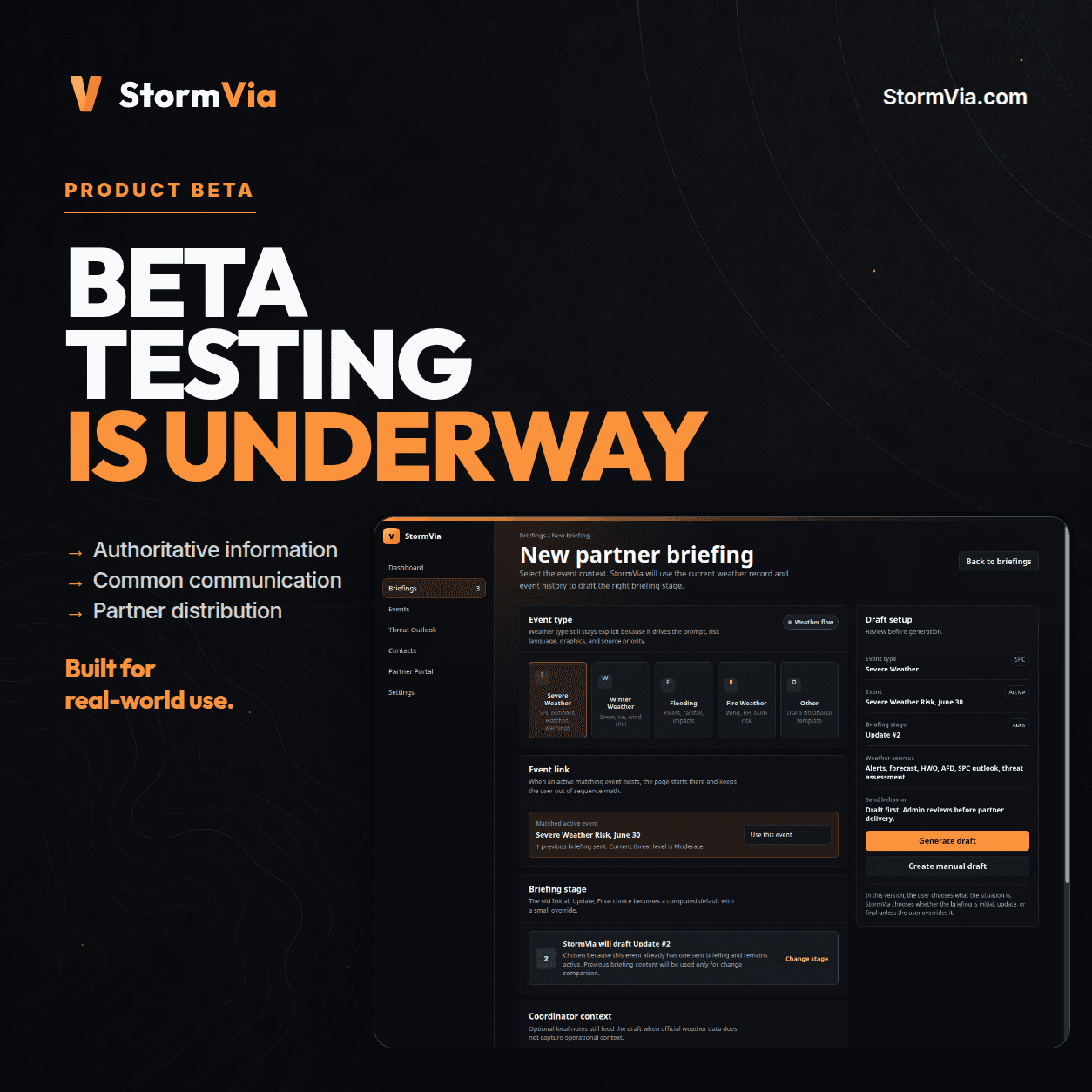
StormVia is in beta with teams that assess threats, make the call, and keep partners informed.
See it in context
See the complete workflow with your team.
Request a demo